
5 Best PDF Generation APIs in 2026
Compare the best PDF generation APIs in 2026. Explore features, pricing, HTML-to-PDF support, automation, and use cases to choose the right PDF API.
Most PDF generation APIs look interchangeable until you try to use one with real documents.
That is when the obvious questions give way to the harder ones:
Can the API handle invoices, reports, certificates, and multi-page files without breaking the layout?
How does it manage templates, HTML, storage, webhooks, page limits, and pricing?
And can someone outside the development team edit the design without touching the code?
To answer these questions, I evaluated five PDF generation APIs from the perspective of someone choosing one for a real project.
I’m Pedro, and I built Image Automation API, so I know how quickly these differences start to matter once a PDF workflow moves beyond a basic test.
I reduced the comparison to the factors that matter to you for the scaled PDF automation.
Start with the quick comparison, identify the tools that fit your use case, then read the detailed breakdown before choosing one.
| API | Best for | Free access and starting price | Main limitation |
| Templated | Branded PDFs, certificates, tickets, and multi-format automation | 50 free credits; starts at $29/month annually | Each PDF page uses one credit |
| Image Automation API | Generating images and PDFs from the same visual template | 50 free credits; starts at $29/month annually | No raw HTML-to-PDF or URL-to-PDF API |
| APITemplate | HTML-to-PDF, webpage conversion, and business documents | 50 free generations; starts at $19/month annually | Synchronous requests have size and timeout limits |
| PDFNoodle | AI templates, high-volume PDFs, and file conversion | Seven-day trial with card; starts at $35/month | No permanent free plan |
| PDFMonkey | Developer-controlled HTML, CSS, and Liquid documents | 20 free documents; starts at €5/month | Visual and code templates cannot be converted into each other |
1. APITemplate
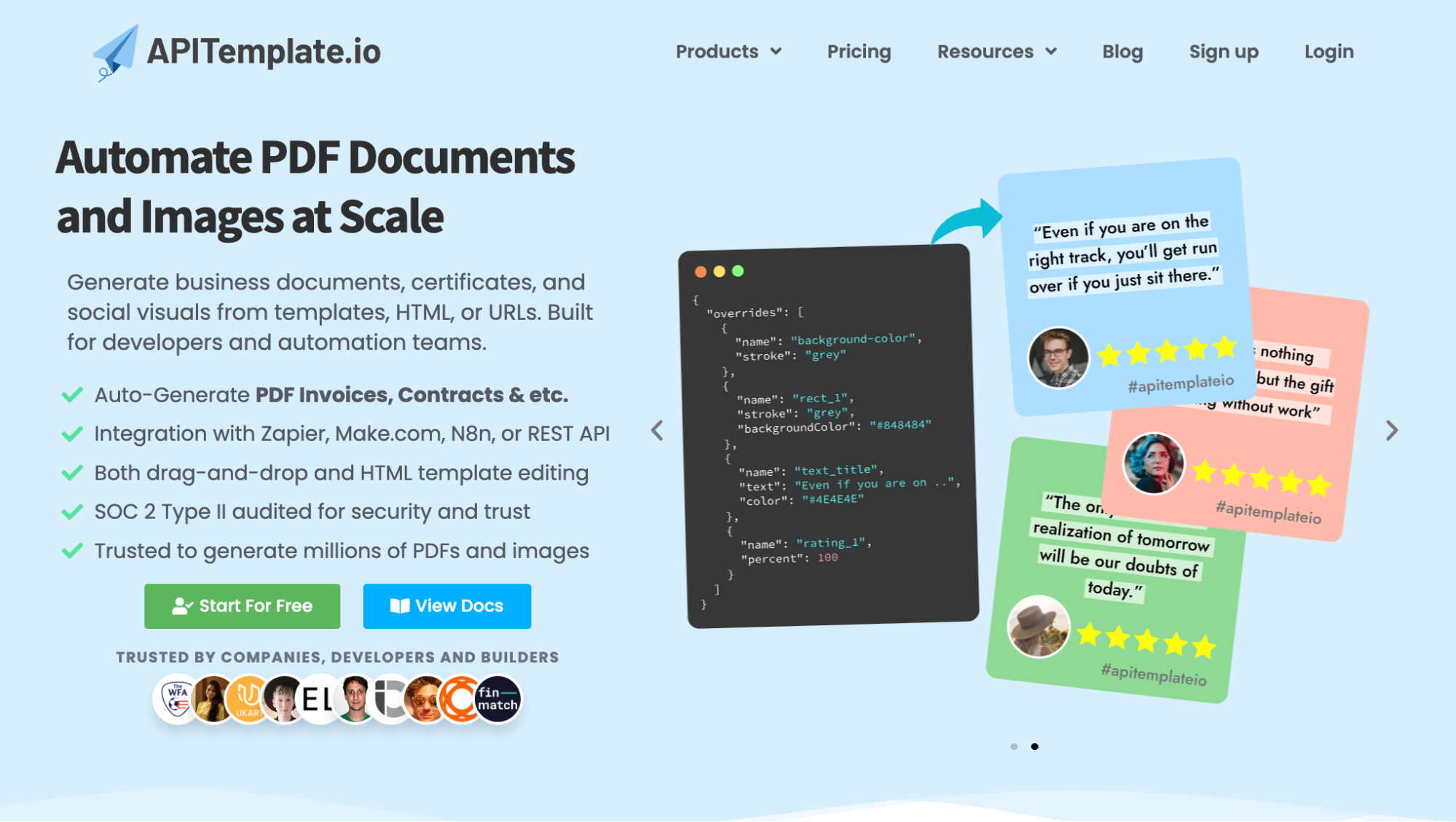
APITemplate is a good fit for teams that want more than one way to generate PDFs. You can work from a visual editor, build the document in HTML, or convert an existing webpage into a PDF through the API.
That flexibility is useful when different teams own different parts of the process.
Key Features
Visual and HTML-based templates: PDFs can be created in the WYSIWYG editor or written directly in HTML. The visual route works well for fixed layouts, while HTML gives developers more control over long tables, page breaks, and print styling.
HTML-to-PDF and URL-to-PDF: The API can generate a document from reusable templates, raw HTML, or a live webpage URL. Custom CSS and JavaScript are supported when the source page needs more than a basic conversion.
Controls for business documents: Headers, footers, page numbers, and total-page values can be added to generated files. Requests can run synchronously, or larger jobs can finish in the background and send the result through a webhook.
Regional processing and storage: APITemplate provides API regions in the United States, Europe, Singapore, and Australia. The PDF Enterprise plan also supports direct delivery to an Amazon S3 bucket.
Documentation and Supported Documents
The documentation separates template generation, raw HTML conversion, URL-to-PDF requests, webhooks, and integrations into their own sections. Official libraries are available for JavaScript, Python, PHP, Java, and C#, along with connections for Zapier, Make, n8n, and Airtable.
APITemplate works well for invoices, receipts, account statements, certificates, proposals, recurring reports, and webpage exports. It is especially useful when a company already has the document layout in HTML and does not want to rebuild it in a separate editor.
Limitations
It lacks advanced HIPAA compliance certifications, so if these certifications are needed, it can’t be the right fit.
Free access and pricing: The free plan includes 50 image or PDF generations per month. PDF-only plans start at $19 per month when billed annually, covering 3,000 PDFs and 20 templates.
2. Image Automation API
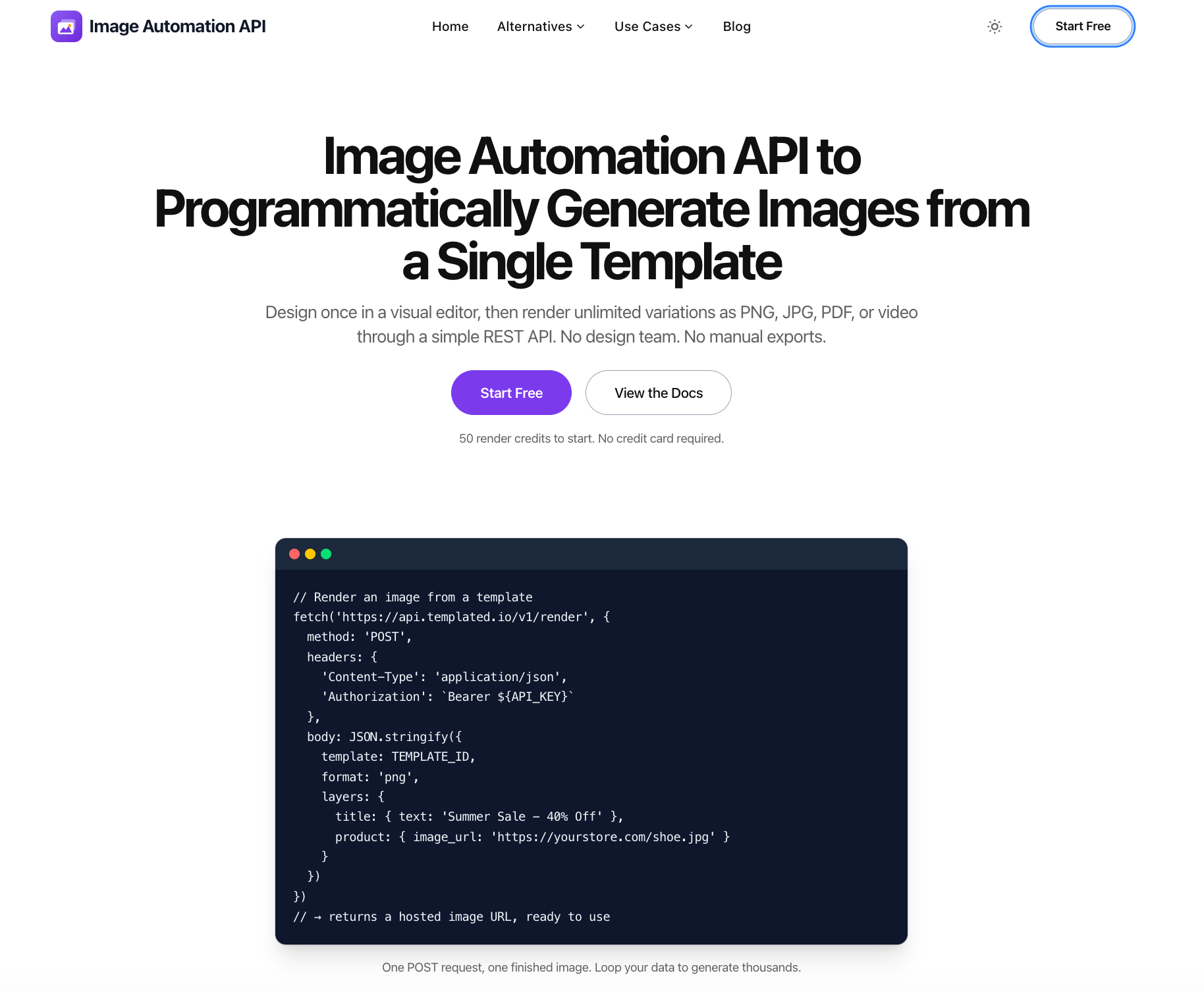
Image Automation API is built for teams that need to generate branded images and PDFs from reusable visual templates.
You create the design once, choose which layers to change, and send new values via the API for each render.
That makes it a practical option for certificates, product sheets, event materials, and other documents where the layout stays fixed but the content changes.
Key Features
Easy to use editor: The editor is super easy to use; you can create, customize, or edit the designs effortlessly in it, and it has features like Canva.
One template for several output formats: If you need to send the PDF in another format, like an image, with PNG, JPG, WebP, PDF, and MP4 files. This is useful when a campaign or document needs to be delivered in multiple formats without creating separate layouts.
Layer changes through JSON: Text, images, colors, and fonts can be replaced through a REST request. The original structure remains in place while the supplied data changes for each customer, product, or event.
Canva import and AI template creation: Teams can import an existing Canva design or create a starting template from a written prompt. This reduces the amount of time spent rebuilding layouts inside a new editor.
Bulk and no-code generation: Spreadsheet uploads can turn each row into a separate file. The platform also works with Zapier, Make, n8n, Airtable, Bubble, and MCP for teams that do not want to manage every generation request in custom code.
Documentation and Supported Documents
The documentation covers template rendering, layer changes, multi-page PDFs, webhook delivery, and hosted file URLs. API examples are available for common programming languages, which makes the initial connection fairly easy to test.
Image Automation API is best suited to short, visually controlled documents such as certificates, event tickets, product sheets, promotional PDFs, and branded one-page reports. It also makes sense when the same source template needs to create both document and image files.
Limitations
It doesn’t have HTML-to-PDF and URL-to-PDF features.
Free access and pricing: 50 free credits are available without a card. Paid plans start at $39 per month, or $29 per month when billed annually, for 1,000 credits. Each PDF page uses one credit.
3. Templated
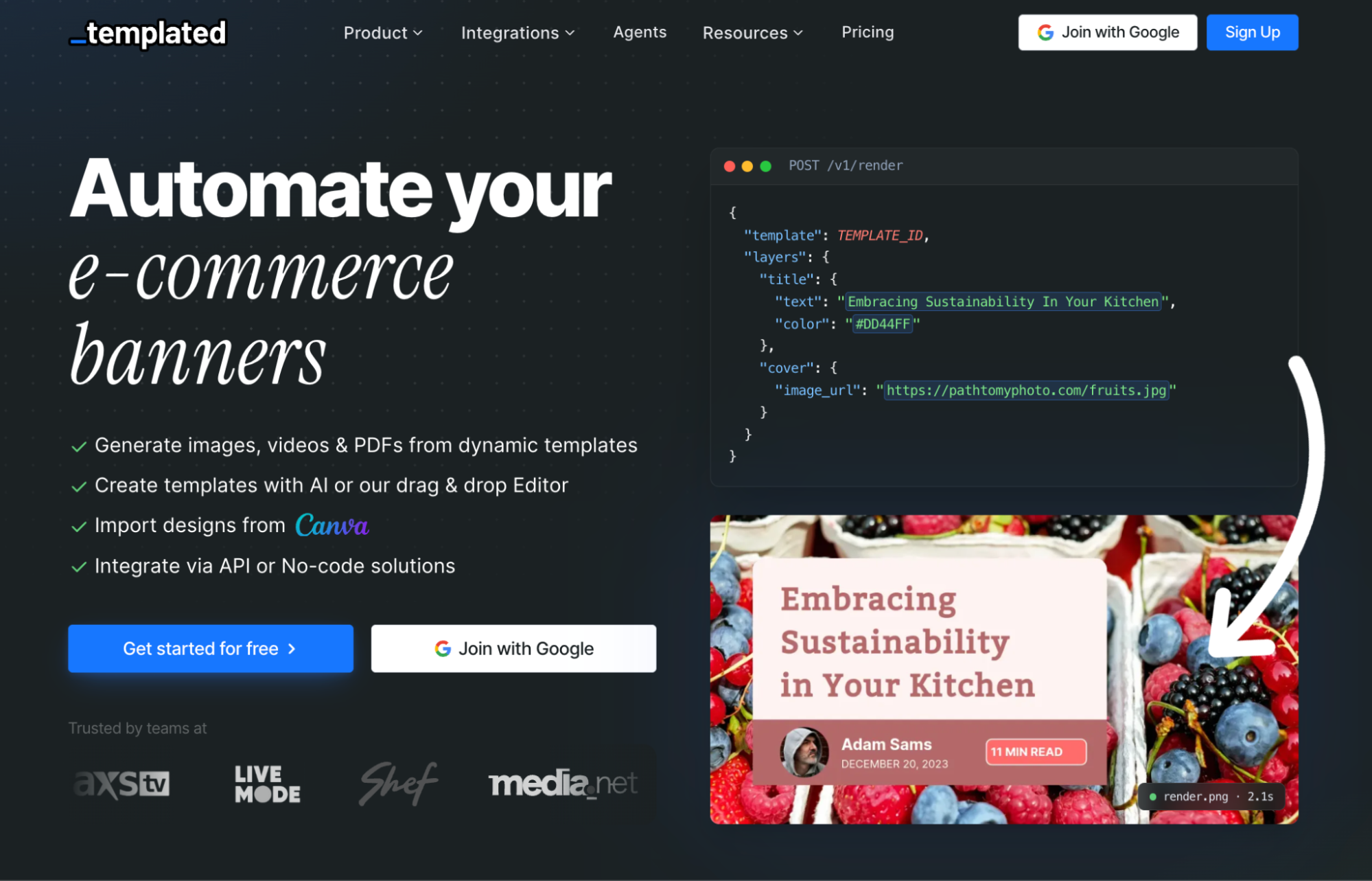
Templated is built for teams that want to create template-based PDFs, images, and Videos automatically at scale.
The process is straightforward. You create a template, name the layers that should change, send new values through JSON, and receive the finished file from the render endpoint. That makes it a better fit for branded documents than for teams working entirely from raw HTML.
Key Features
Visual template editor: Text, images, colors, fonts, and layer visibility can all be changed through the API. Designers can control the layout, while developers connect the template to customer, order, or event data.
Multi-page PDF generation: Each page can receive separate values. Pages can be combined into one PDF or returned as individual files inside a ZIP archive.
Several ways to create templates: Teams can start with a gallery template, build one manually, import a Canva design, or use the AI template generator for a first draft. Spreadsheet uploads also support bulk jobs where every row produces a new document.
API and workflow integrations: Templated supports synchronous and asynchronous rendering, webhooks, Zapier, Make, n8n, Airtable, and MCP. Some plans also include an embeddable editor for products that want customers to create or edit templates inside their own application.
Documentation and Supported Documents
The documentation centers on a single render endpoint and includes examples for JavaScript, Python, PHP, Java, and cURL. It also covers page-level changes, PDF merging, ZIP downloads, webhooks, flattening, and CMYK output for print files.
Templated is best suited to documents where the design needs to stay consistent across every version. Certificates, tickets, product sheets, business cards, labels, proposals, and branded reports are strong use cases. It is also useful when the same template needs to produce a PDF, image, or video.
Limitations
Templated doesn’t provide HTML-to-PDF or URL-to-PDF service. Teams with an existing HTML report may need to recreate that layout inside the editor rather than submit the page directly. Although it does provide easier ways, like an AI template generator, to create that.
PDF usage is also counted by page. A 20-page report consumes 20 credits, so longer statements and recurring reports can use the monthly allowance quickly.
Free access and pricing: 50 free credits with no card required. Paid plans start at $29 per month when billed annually for 1,000 credits, with one credit used for each PDF page.
4. PDFNoodle
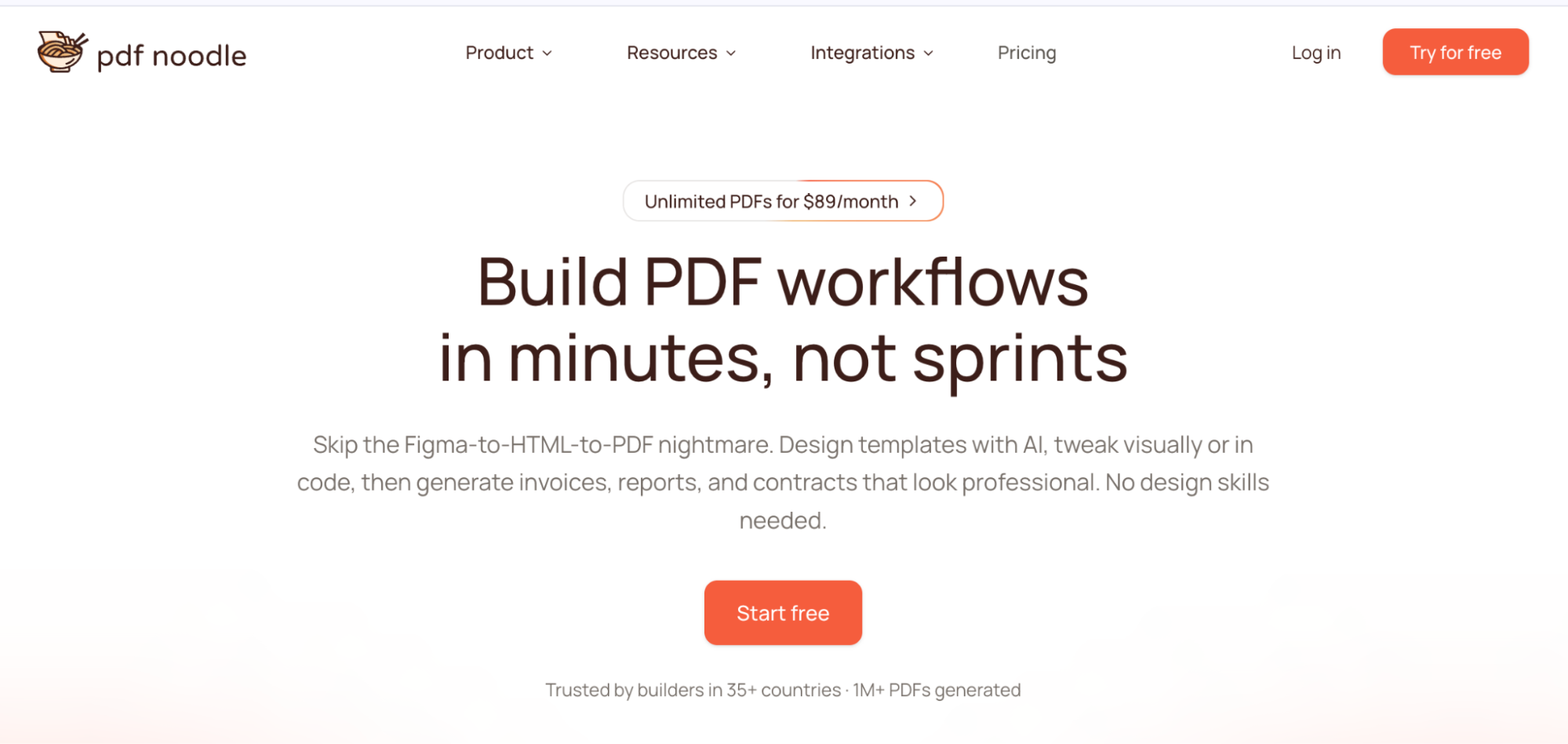
PDFNoodle is built for teams that need more than a basic template renderer. It combines AI-assisted template creation, a visual builder, HTML-to-PDF conversion, and tools for editing or converting existing files.
That makes it useful for both new documents and workflows that begin with a PDF, image, webpage, or DOCX file.
Key Features
AI template creation: Users can describe a document in a prompt or upload a PDF or image reference, then turn the result into an editable template.
Visual builder and HTML support: Templates can be managed in the browser, while developers can send HTML and CSS directly to the conversion API.
Batch processing and webhooks: PDFNoodle supports synchronous, asynchronous, and batch jobs. JavaScript, Python, and PHP SDKs are available, while Business plans can send completed files directly to Amazon S3.
PDF conversion and file tools: The API can convert DOCX, HTML, images, Markdown, and webpages into PDFs. It also includes tools for merging, splitting, compressing, protecting, and editing PDF files.
Documentation and Supported Documents
The documentation separates template generation, HTML conversion, batch jobs, uploads, and PDF tools into dedicated sections.
PDFNoodle works well for invoices, proposals, medical reports, logistics documents, and workflows that involve both generating and modifying files.
Limitations
PDFNoodle does not offer a permanent free plan. Its seven-day trial requires a credit card, so users need to enter payment details before testing the paid features.
The unlimited monthly PDF allowance begins on the $89 Business plan. Requests still follow rate limits, concurrency limits, and a 300-second timeout, so unlimited refers to the monthly document quota rather than unrestricted processing.
Free access and pricing: You can create an account and build a template for free, but the seven-day trial requires a credit card. Paid plans start at $35 per month for 1,000 PDFs, while the $89 Business plan removes the monthly document limit.
5. PDFMonkey
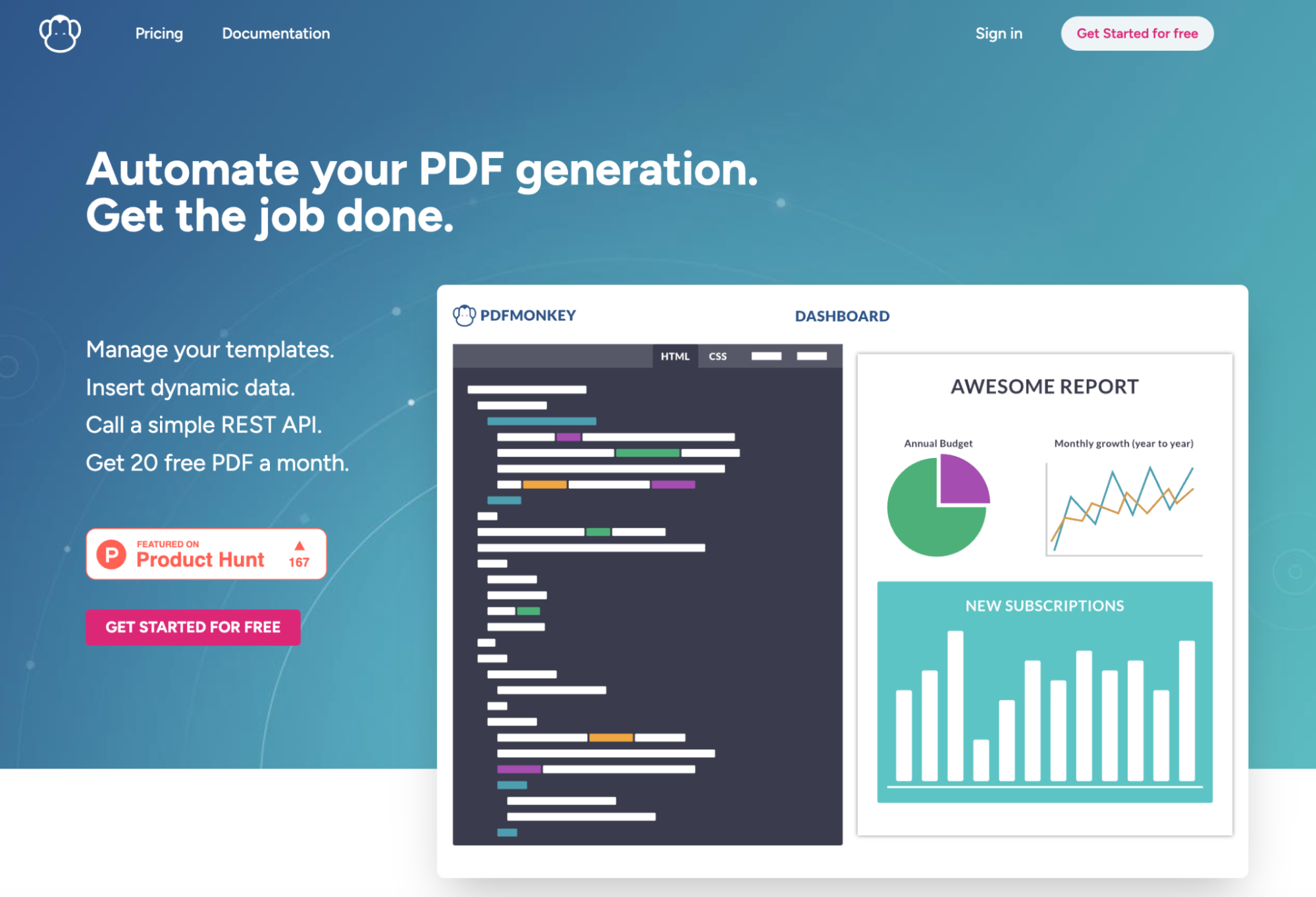
PDFMonkey is a France-based PDF generation platform that first appeared publicly on Product Hunt in 2023. It was built with developers in mind, but the product now supports two ways to create documents: a visual Builder for standard layouts and code templates for more technical workflows.
That split gives teams a clear choice. Business users can work with visual blocks, while developers can use HTML, CSS, and Liquid when a document needs conditional sections, repeated rows, or custom scripts.
Key Features
Visual Builder and code templates: The Builder includes blocks for text, images, tables, and layout sections. Code templates support HTML, CSS, and Liquid v4 for variables, conditions, loops, and calculations.
Browser-based rendering: PDFMonkey uses a Chrome-based rendering engine. Paid plans can load external images, fonts, CSS, and JavaScript, while templates can also include charts, QR codes, and other web resources.
Document controls: Users can add headers, footers, custom filenames, password protection, and fillable form fields. Files can be generated as PDF, PNG, JPG, or WebP.
API and automation options: PDFMonkey supports REST requests, webhooks, Zapier, Make, n8n, Workato, Bubble, and Glide. Webhooks can report when a document is ready or when a generation request has failed.
Documentation and Supported Documents
The documentation is divided into separate sections for Builder and code-template users. It covers Liquid syntax, data fields, page layouts, custom code, API endpoints, webhooks, retention, and common errors.
PDFMonkey works well for invoices, reports, proposals, certificates, shipping labels, and other documents built from structured application data.
Limitations
Builder templates and code templates are separate formats. A document created in one cannot be converted into the other, so changing the authoring method later may require rebuilding the template.
Existing PDF and Word files cannot be imported as editable templates. Files generated on the Free and Starter plans are also stored for only one day, which means applications need to download or transfer them quickly.
Free access and pricing: The permanent free plan includes 20 documents per month, while new accounts receive a 30-day trial with 300 documents. Paid plans start at €5 per month for 300 documents.
Final Thoughts
Generating PDFs at scale without compromising quality is what a good PDF Generation API is supposed to do. Every tiny detail needs to be consistent, and it has to be cost-effective too.
And the most important part is the easily documentation. If it's taking a lot of time to set up or debug something, what's the point? For the PDF generation automation, there are community discussions that keep circling around browser overhead and broken page breaks. You might be in the know if you have used one.
In this blog, I have evaluated everything with the real scaled testing and described everything from the features to the limitations. Take a look at all the options and choose the one you prefer.
Frequently Asked Questions
What Is a PDF Generation API?
A PDF generation API turns application data, HTML, a webpage, or a reusable template into a PDF file through a software request. The provider runs the renderer and returns the file.
Which API Is Best for Both Image and PDF Generation?
Image Automation API and Templated is a strong choice for generating images and PDFs from the same visual template
Which PDF API Is Best for HTML-to-PDF Conversion?
APITemplate, PDFNoodle, and PDFMonkey all support HTML-based generation, but they approach it differently. APITemplate.io accepts raw HTML, templates and webpage URLs; PDFNoodle pairs HTML conversion with AI templates and file tools; PDFMonkey uses Chrome-based code templates built with HTML, CSS and Liquid. So, you can choose according to the approach you will use them.
Can a PDF API Handle Invoices With Tables and Several Pages?
Yes, but the template method matters. HTML and Liquid products usually give developers direct control over repeated rows, conditions, and print CSS, while visual editors are easier for fixed layouts and branded documents. Test the longest table you expect before committing to a provider.
Additional Resources
Looking to learn how to use Image Automation API? Sign up to get started with 50 free credits, and test the platform by following these tutorials: